How Does Higgsfield AI Bring Short Dramas to Life?
Higgsfield AI can help you make a short drama, but it works best when you plan it as several focused scenes instead of one long miracle prompt. The main things to control are the story hook, the recurring character, the visual style, and how you edit the clips together.
Can Higgsfield AI create short dramas?
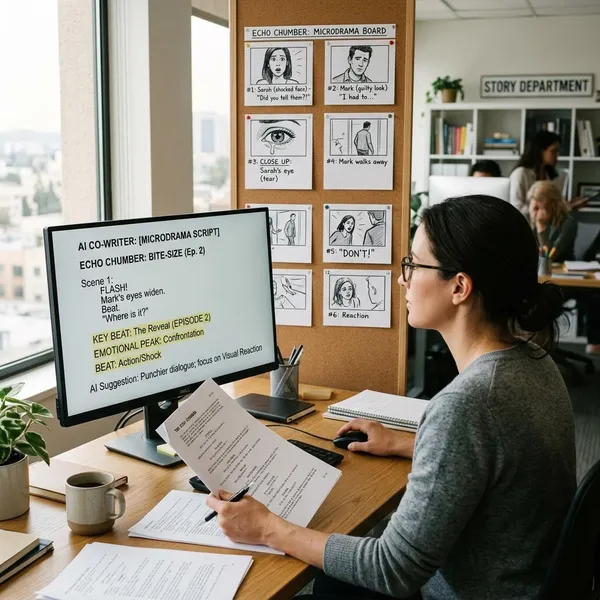
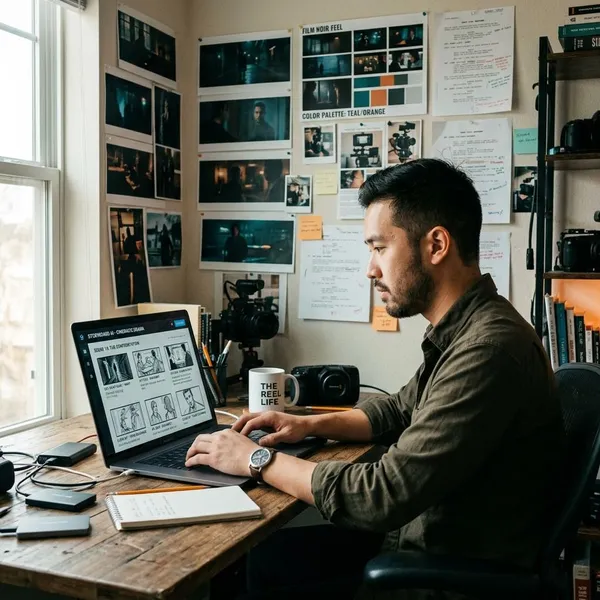
Higgsfield can be used to create AI short dramas, especially the kind built from short cinematic clips for TikTok, Reels, Shorts, or a small episodic series. The realistic workflow is not "type a full script and get a finished episode." It is closer to making a mini storyboard, generating each beat, then editing the best clips into one story.
It can generate cinematic story scenes
Higgsfield is useful when a scene needs a clear dramatic look: lighting, mood, framing, and movement. Instead of asking for "a sad woman," you can stage the moment more clearly: a woman standing by a rain-streaked window, phone in hand, cold apartment light, slow push-in on her face.
That kind of detail matters because short drama viewers judge the scene almost immediately. If the opening shot feels flat or random, even a good twist may not keep them watching.
It can reuse characters across shots
For drama, reusable characters are more important than flashy effects. If the lead looks like a different person in every clip, the story becomes hard to follow. Higgsfield tools such as Soul Cast are meant to help you bring the same AI actor back across scenes, though you should still expect to regenerate or adjust some shots.
It can build multi-scene AI videos
The strongest results usually come from separate clips with one clear purpose each:
- One shot for the hook.
- One shot for the character's reaction.
- One shot for the clue or conflict.
- One shot for the reveal or emotional turn.
- One closing shot that gives the scene a payoff.
This is a better fit for AI video than asking for a full dramatic arc in one generation. It also gives you more control when you trim, rearrange, add subtitles, and fix pacing in an editor.
Which Higgsfield tools are useful for short dramas?
The useful tools are the ones that solve the problems a short drama actually has: making scenes look intentional, keeping actors recognizable, repeating important objects or settings, and controlling the camera enough for emotion to read on a phone screen.
Cinema Studio for cinematic scenes
Cinema Studio is the place to think about the scene as a shot, not just an image that moves. A confrontation in a narrow hallway, a confession in a quiet café, and a lonely rooftop ending should not all be prompted with the same generic style.
| Scene need | Useful direction |
|---|---|
| Emotional reveal | Close-up, slow push-in, quiet lighting |
| Conflict | Over-the-shoulder angle, tighter framing, tense posture |
| Isolation | Wide shot, empty space around the character |
| Suspense | Low light, partial shadows, slower movement |
Soul Cast for consistent AI actors
Soul Cast is the tool to prioritize if your story depends on the same lead appearing across several clips. Build the actor before generating the episode, then reuse that identity instead of describing a new person from scratch in every prompt.
Elements for reusable story assets
Elements can help you reuse visual anchors such as a coat, notebook, ring, café table, school hallway, or apartment interior. These details make the story feel connected even when AI introduces small differences between clips.
Camera controls for shot direction
Camera controls help the drama feel directed. Use close-ups for emotion, wider shots for distance or loneliness, and over-the-shoulder framing for arguments or secrets. For vertical short dramas, keep the important face, hand gesture, or object near the center so it still reads on a small screen.
How to create a short drama with Higgsfield
The simplest workflow is to make a very small story first. One lead character, one conflict, one location family, and one twist are enough for a short episode. Trying to create a full soap-opera plot with many characters usually creates more continuity problems than drama.
Start with a simple story hook
A good hook creates a question the viewer understands without explanation. "A woman sees her missing brother in a stranger's wedding photo" is easier to stage than "a family secret changes everything." The first idea gives you faces, props, emotion, and a reason to keep watching.
Keep the hook visual whenever possible. Messages on a phone, a photo, a locked door, a familiar necklace, or a sudden recognition moment are easier for AI video to show than complicated inner thoughts.
Break the story into short scenes
Use scene beats instead of long scenes. Each clip should have one job:
- Show the hook.
- Show the reaction.
- Add pressure or a clue.
- Reveal the truth or twist.
- End on a clear emotional image.
If one prompt includes entering a room, arguing, crying, finding a clue, and running away, the result is more likely to drift. Split those actions and choose the strongest generation for each beat.
Build the main characters
Create the main character before you create the plot clips. Decide the details viewers must recognize: age range, hairstyle, outfit, one signature accessory, and the emotional baseline. "Young woman with long black hair, cream trench coat, small silver necklace, tired but controlled expression" gives the model much more to hold onto than "beautiful woman."
Generate each scene with references
Use the same character references, saved assets, and core wording for every scene that belongs to the same episode. Change the action and camera direction, but do not keep reinventing the person.
Edit the clips into one episode
Editing is where the short drama becomes watchable. Trim dead seconds, cut away from awkward motion, add subtitles if dialogue or text matters, and use music only where it supports the emotion. A weaker AI clip can often work if it is short and placed correctly; a beautiful clip can still fail if it slows down the story.

How to write Higgsfield prompts for short dramas
A useful Higgsfield prompt for drama should tell the model five things: who is in the scene, where it happens, what the mood is, what visible action occurs, and how the camera should frame it. Long prompts are not automatically better. Clear priorities are better.
Define the character
Start with the character details that must not change: face type, age range, hair, outfit, and one memorable feature. Avoid vague labels like "handsome man" or "sad girl" because they leave too much room for visual drift.
Set the location and mood
Location should do more than name a place. "Kitchen at night" is fine, but "small kitchen at night, cold blue light from the window, untouched dinner on the table" gives the scene emotional pressure.
For short dramas, choose locations that support the beat. A confession may need a quiet café corner. A threat may work better in a parking garage. A regret scene may feel stronger in an empty bedroom after the argument has already ended.
Describe the action
Describe what the viewer can see. Instead of "she feels betrayed," write "she reads the message, lowers the phone, and steps back without speaking." AI video responds better to visible behavior than to abstract emotion.
- Too vague: "a dramatic argument."
- Better: "two sisters face each other in a narrow hallway, one hides a letter behind her back."
- Too much: "she cries, runs, opens the door, finds a box, reads a note, and screams."
- Better: "she opens the box and freezes when she sees the old hospital bracelet."
Add camera direction
Add camera direction when the emotion depends on how the scene is seen. A close-up works for a tearful realization; a wide shot works when the character should look alone; an over-the-shoulder angle works when someone is hiding information from another person.
Keep visual details consistent
Repeat the details that identify the story world: the lead's coat, the red folder, the muted color palette, the same apartment hallway, or the realistic urban lighting. Do not switch from gritty realism to glossy fantasy unless the story deliberately changes worlds.
How to keep characters consistent in Higgsfield
Character consistency is the part to take seriously before you generate too many clips. The goal is not perfect continuity in every frame, because AI video can still vary details. The goal is for the viewer to instantly understand that this is the same person from scene to scene.
Prioritize identity first, then wardrobe, then props, then style. If the face and main outfit stay recognizable, small background changes are less damaging. If the lead changes face, age, and clothing at the same time, the story will feel broken.
Reuse the same Soul Cast characters
Use the same Soul Cast character for every scene where that person appears. This is the cleanest starting point for continuity and much safer than trying to recreate the same actor with fresh text prompts each time.
For a one-off test, you may accept a little variation. For a recurring drama account or multi-episode story, build a small cast and keep using it so viewers can recognize the characters over time.
Keep character references consistent
Pick one core character description and treat it like a rule sheet. If your lead is a woman with long black hair, a cream trench coat, and a silver necklace, do not later describe her as having short brown hair and a leather jacket unless the change is part of the plot.
Reuse locations and visual elements
Recurring locations make the whole drama feel more stable. A familiar apartment door, café booth, school corridor, or office desk can hide minor AI inconsistencies because the audience still recognizes the world.
Use props the same way. A ring, photo, notebook, scarf, or folder can connect scenes and carry meaning. If the object matters to the plot, show it early and bring it back when the reveal happens.
Lock recurring style details
Style drift can make clips feel unrelated even when the character is similar. Keep the same color palette, lighting mood, realism level, aspect ratio, and camera language across the episode.
Before generating the final batch, check your prompts for accidental style changes. Words like "anime," "dreamy fantasy," "glossy commercial," and "gritty documentary" can push the video in very different directions. Use one style lane unless a scene has a clear reason to break it.
Conclusion
Higgsfield is a practical option for AI short drama when you keep the project small, visual, and controlled. Start with one strong hook, build the recurring character before generating scenes, reuse the same references, and edit the clips with a clear rhythm. If you want a finished episode rather than a pile of good-looking clips, consistency and pacing matter more than adding more plot.